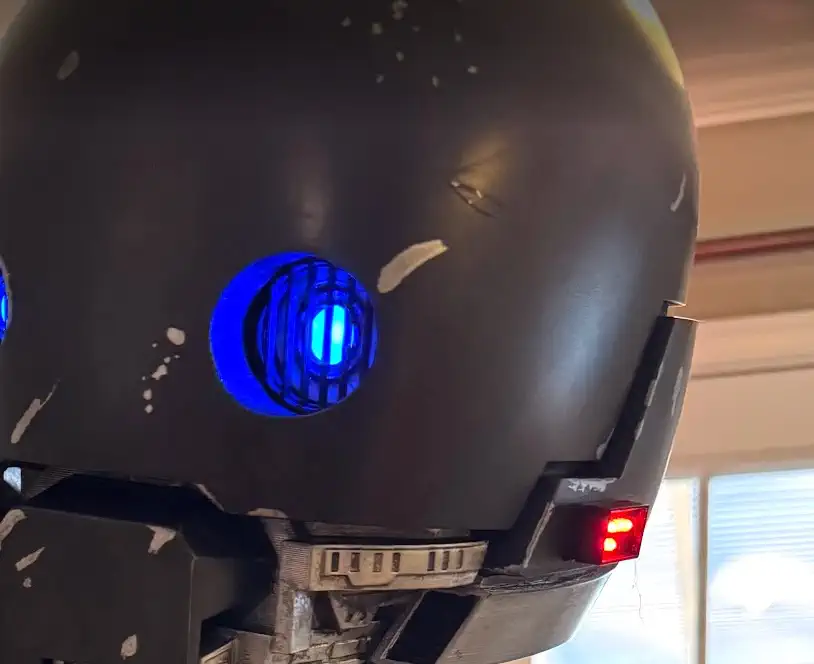
K-2SO Lego - Installation Guide
Quick installation guide for mounting the K-2SO Lego-compatible adapter plate to your droid build.
Related Product
K-2SO Head LegoPrerequisites
- ✓K-2SO Lego Adapter kit
Tools & Materials Needed
- •Hot Glue or Super glue
Instructions
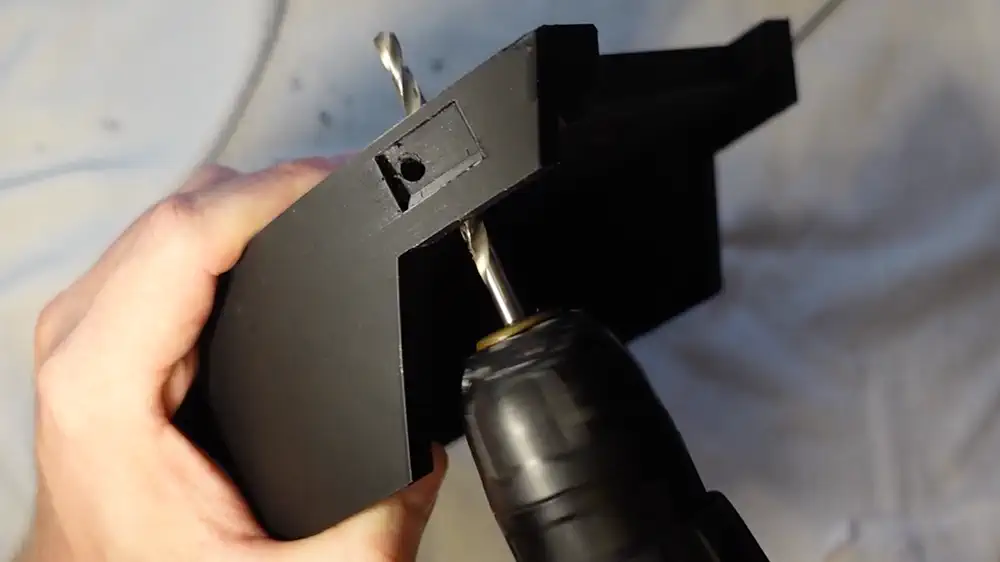
Step 1: Printed lower head (2026 version)
In early 2026 the Droid Division K-2SO head files were updated to support this “LED Lego”, It is highly suggested to use this version of the head
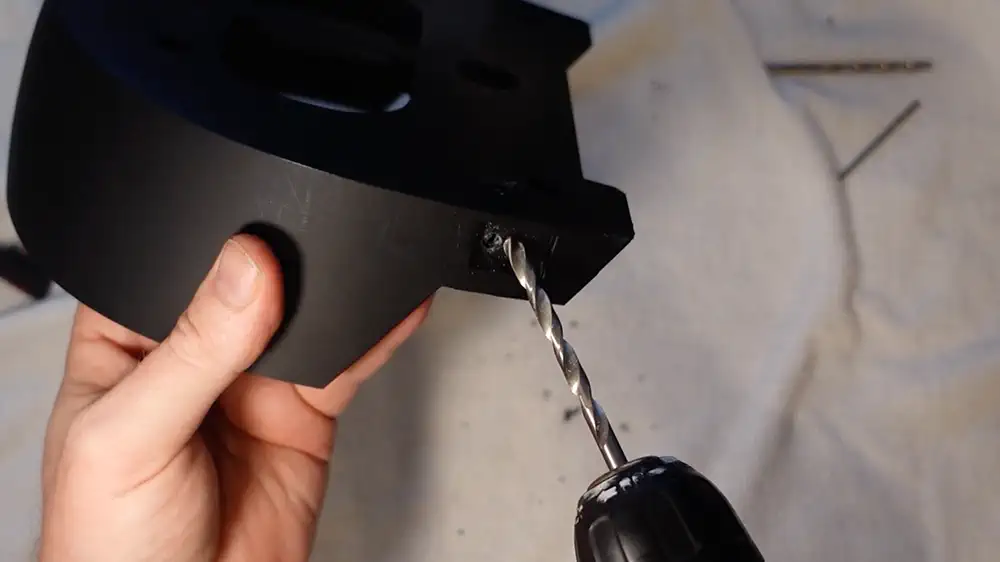
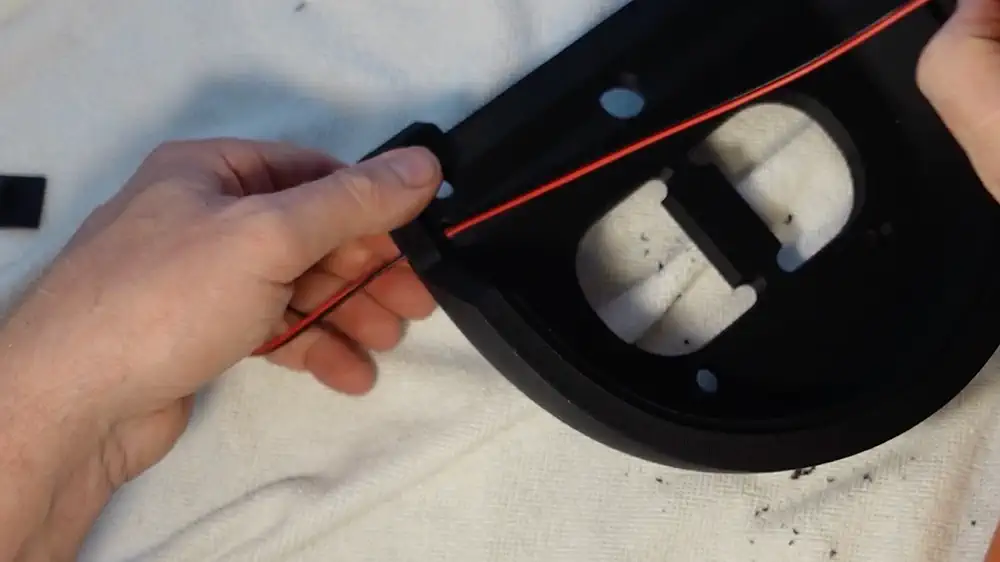
Step 2: Run wires through the lego opening
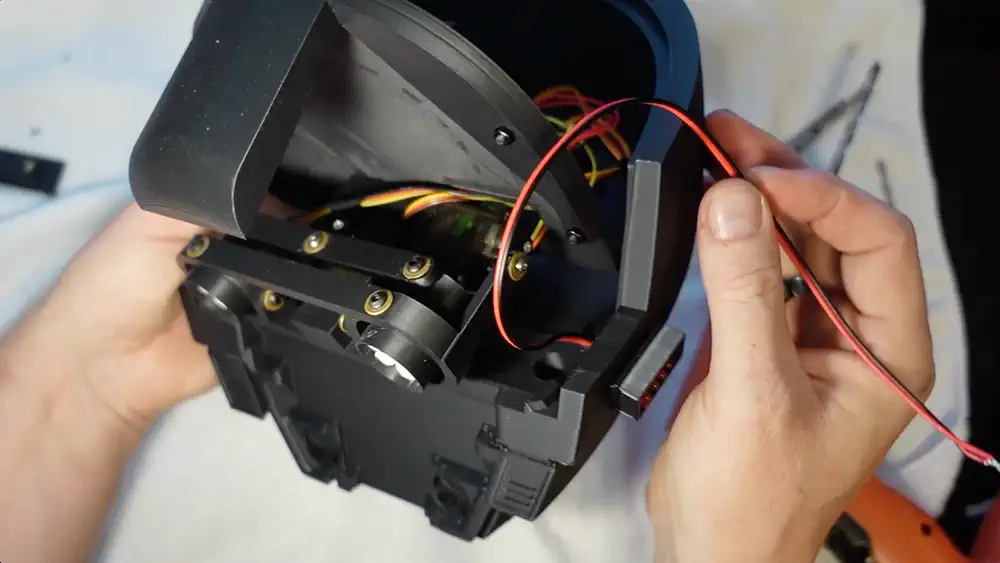
The lower head will have a hole in the Lego indent on the head. Run the wires through the head. They will exit in the center cavity of the head
Step 3: Attach to power
The LED Lego run on 3v-5v DC power. A battery pack or connection to the K-2SO Eye controller kit will power the LED LEgo
Step 4: Turning ON / OFF
On the side of the LED Lego there is a micro-switch that will slide between and on and off position
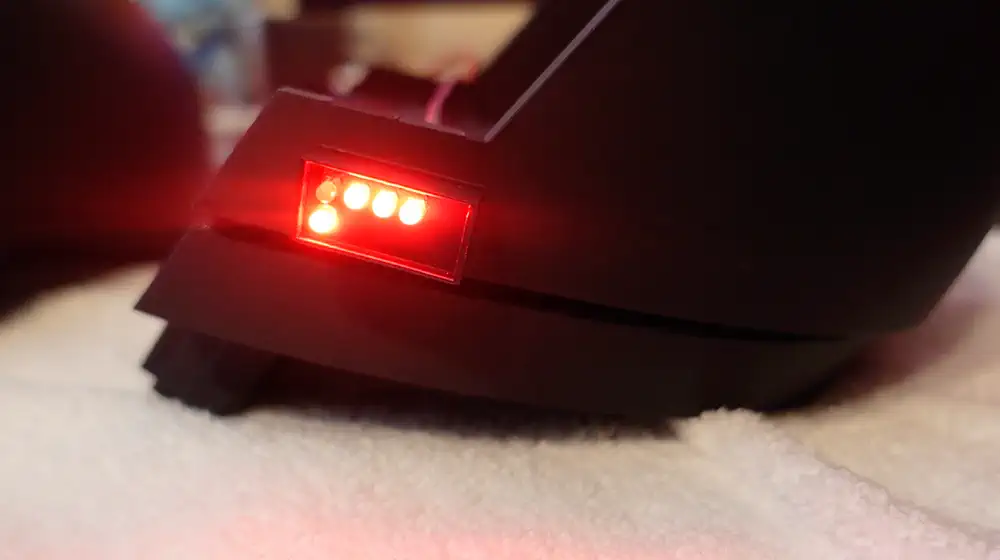
Step 5: Glue in place
A small amount of glue on the back side of the LED Lego will attach it to the head
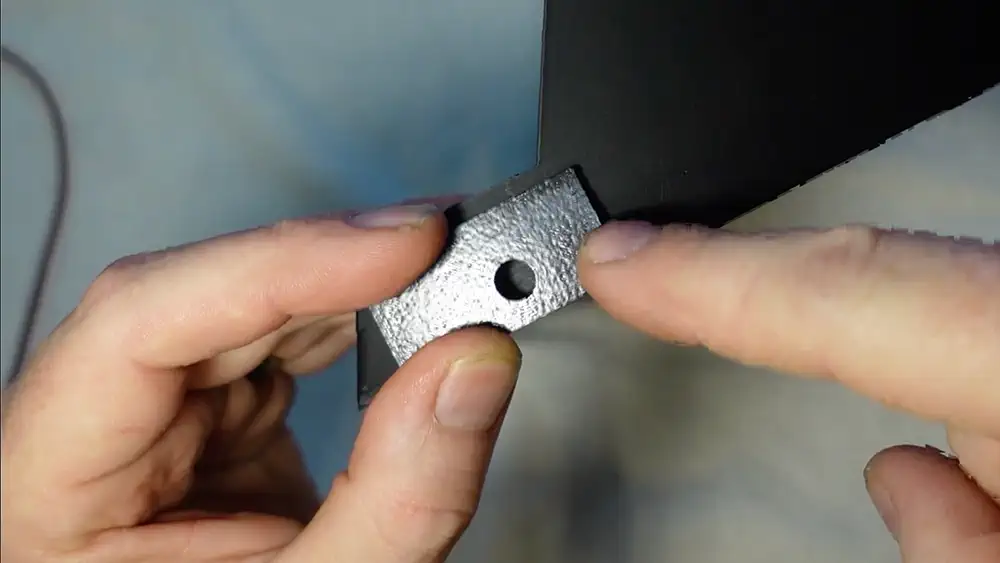
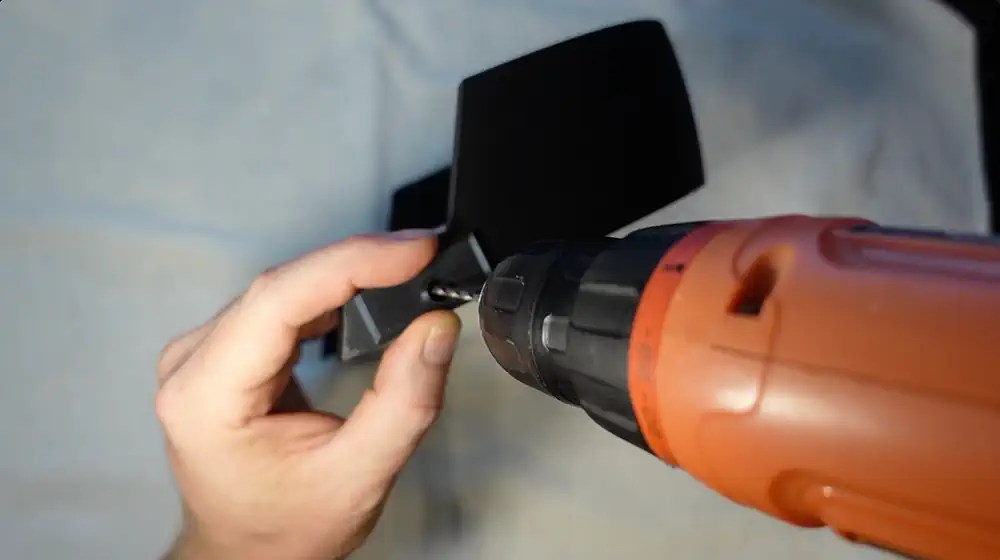
Step Images
Related Product
This guide covers installation for the following product:
K-2SO Head Lego→