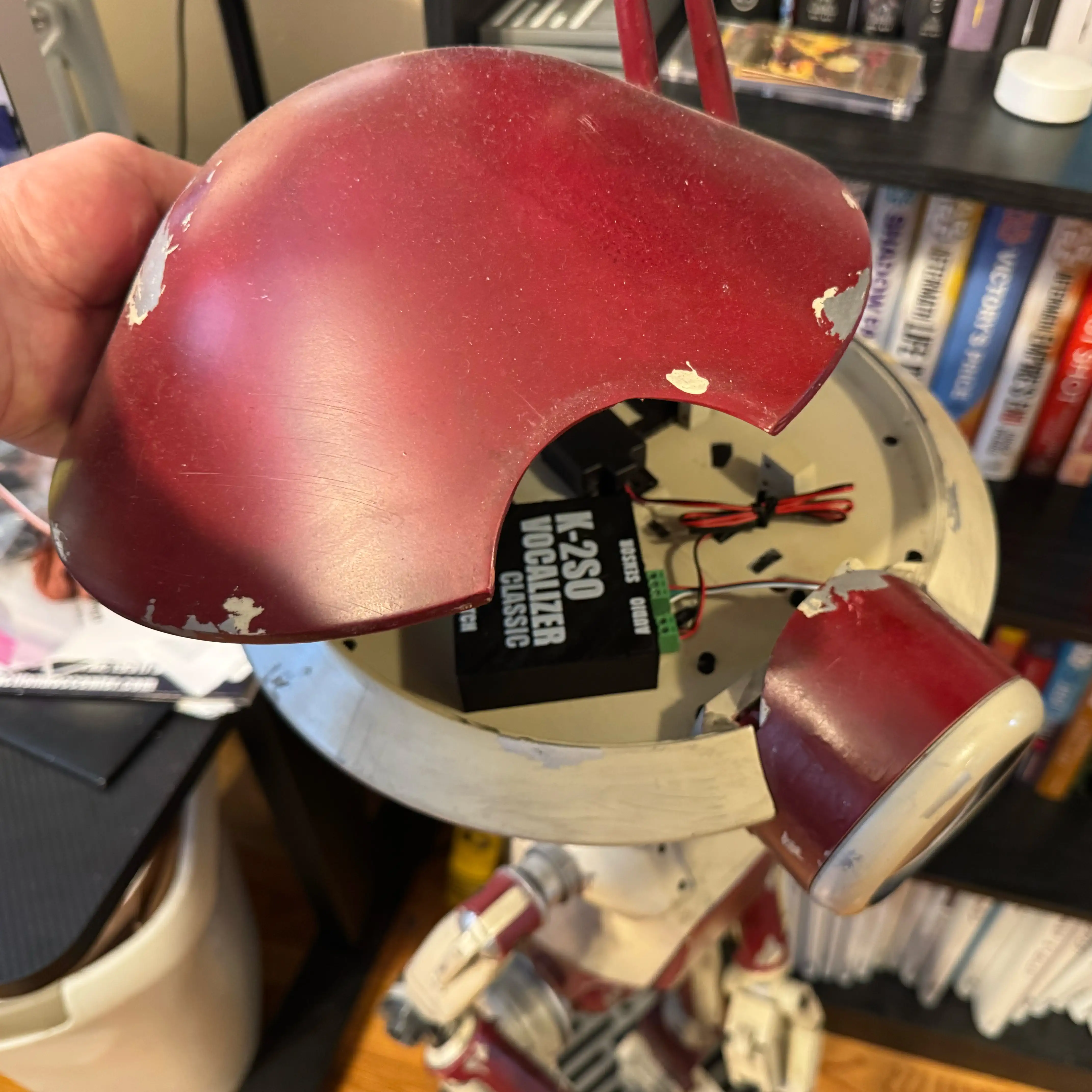
Pit Droid Vocalizer Classic - Installation Guide
Wiring, power, and setup instructions for installing the Vocalizer Classic sound module in a Pit Droid build.
Related Product
Pit Droid Vocalizer - ClassicPrerequisites
- ✓USB-C power cable
- ✓5v USB-C power supply (cell phone charger)
Instructions
Power In:
5V USB-C power. A cell phone charger or battery bank works great
On/Off Switch:
Any Single Pole Single Throw (SPST) latching switch will work
Status Light:
Green = On
Audio:
4 Ohm 3W Speaker out
Sensor:
The sensor is shaped like an LED. It should be visible on the droid but discretely hidden. The remote control needs line of sight to it. The sensor is 5mm. A good location can be in the base, or a hole through a restraining bolt
Remote:
Each number button is mapped to a sound. The up and down arrows control the volume. Left and right will page through the available sounds. The B1 has 100 sounds - each “page” has 10 sounds mapped to the numbers on the remote
PDF Downloads
Related Product
This guide covers installation for the following product:
Pit Droid Vocalizer - Classic→